 Visual Enhancer
Compare Workspace
The Compare tab lets you inspect any number of still images or videos side by side, flip through them instantaneously, drag a split curtain between two candidates, inspect pixel deltas in a color heatmap, and export composite stills or synced video comparisons.
Comparison Layouts
Section titled “Comparison Layouts”Select a layout from the top-left segmented control:
- Side by Side: Displays all visible sources simultaneously in a responsive layout with synchronized pan and zoom.
- Cycle: Displays one full-frame source at a time so you can spot subtle motion, sharpness, or compression shifts cleanly.
- Left-click on the canvas (or press Space / Right) to advance to the next source; right-click (or tap Ctrl / Left) to step backward.
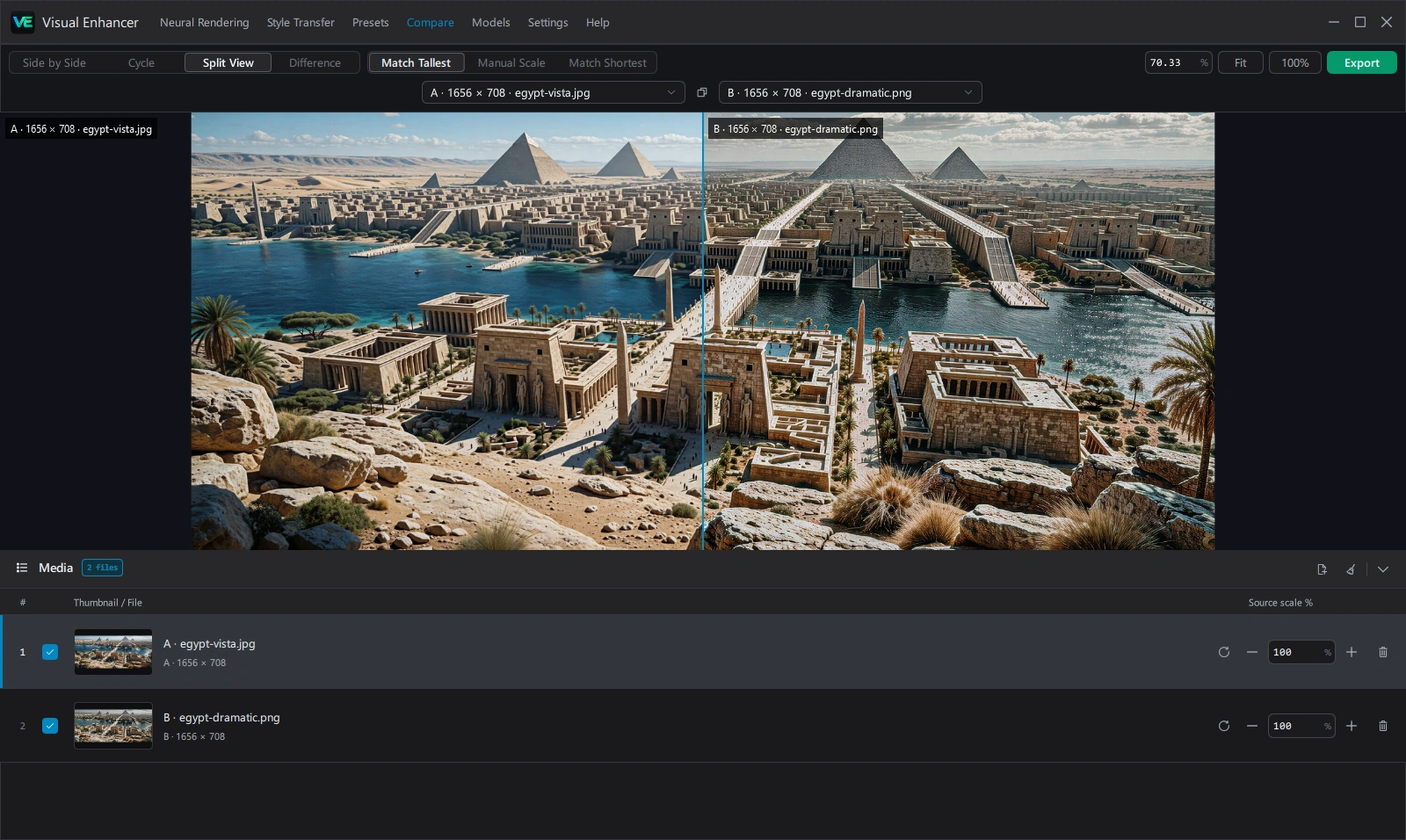
- Split View: Overlays two chosen candidates (Pair A vs Pair B dropdowns with a Swap sides button) divided by an interactive curtain. Double-click near the divider to reset it to
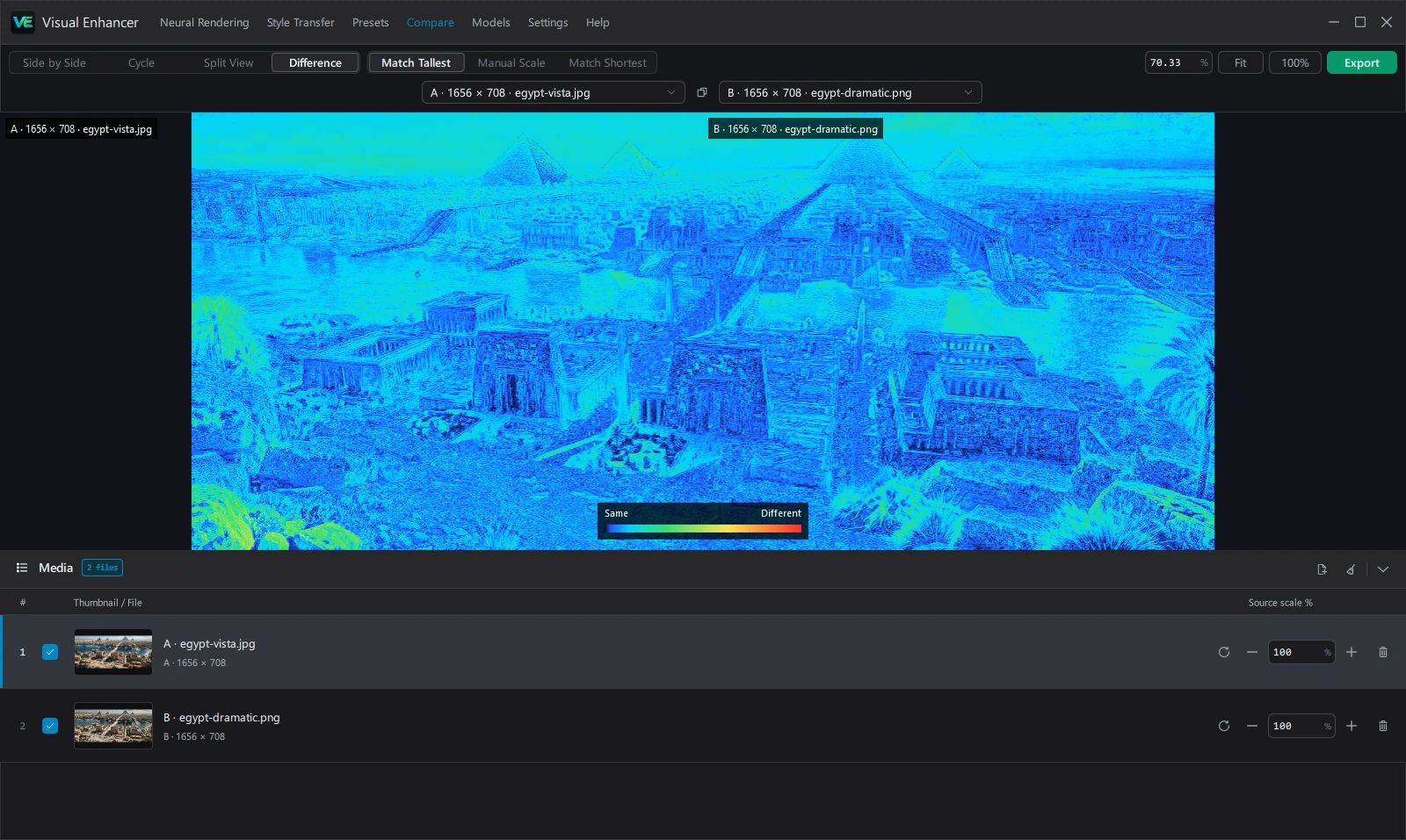
50%. - Difference: Computes a per-pixel visual difference heatmap between Pair A and Pair B using a fixed calibrated color palette so compression artifacts, sharpening halos, and geometric shifts stand out clearly.
Scaling & Queue Management
Section titled “Scaling & Queue Management”| Control | Options / Range | Purpose |
|---|---|---|
| Scaling Mode | Match Tallest, Manual Scale, Match Shortest | Uniformly scales mismatched resolutions together, or lets you control per-file magnification manually |
| Source scale % | 0.01%–1000000% |
Per-row scale multiplier (-, +, numeric input, and Reset to 100%) in the Media drawer |
| Visibility Checkbox | Checked / Unchecked | Show or hide an item in the active canvas without removing it from the list |
| Drag Handle / Reorder | Drag row or Alt+Up / Down | Change slot order (#, A, B, C, …) and source letters |
| Zoom Bar | Exact % box, Fit, 100% |
Synchronized canvas magnification across all visible sources (plus scroll wheel zoom and double-click Fit) |
Right-click any source on the canvas (outside Cycle clicker mode) or in the list for Clear image/video, Clear all, or Show in Explorer.
Synchronized Video Playback
Section titled “Synchronized Video Playback”When one or more videos are loaded, VideoTransportBar appears above the Media queue with frame-accurate seeking, Space play/pause, Left / Right single-frame stepping, playback speed (0.5x–2x), and audio control. All visible video streams seek and advance together on the shared clock.
Exporting Comparisons
Section titled “Exporting Comparisons”Click Export in the top-right toolbar to configure:
- Output Format / Video Codec: Supports all standard still formats (
PNG,JPEG,WebP,AVIF,TIFF,JPEG XLwith 8/16-bit precision) or video codecs (H.264,H.265,AV1,VP9,ProRes,FFV1) viaMP4,MKV,MOV, orWEBM. - Export Path & Rename Mode: Save to Same as Input, Output, or Select Folder, using Auto, Copy, or Custom filename suffixes.
- Include in export overlays:
- Heatmap legend (shown in Difference mode)
- Comparison line (shown in Split View mode)
- Source letters (
A,B, …) - Filenames
- Resolutions