 Visual Enhancer
Color, HDR & ReShade
Coloring, RTX Video HDR, and ReShade handle color grading, high-dynamic-range mastering, and multi-pass GPU shader stacks.
Coloring
Section titled “Coloring”Coloring lets you switch cleanly between interactive Color Adjustment sliders and loading a LUT File (.cube 3D LUT), then export any grade you dial in back to disk as a .cube LUT.
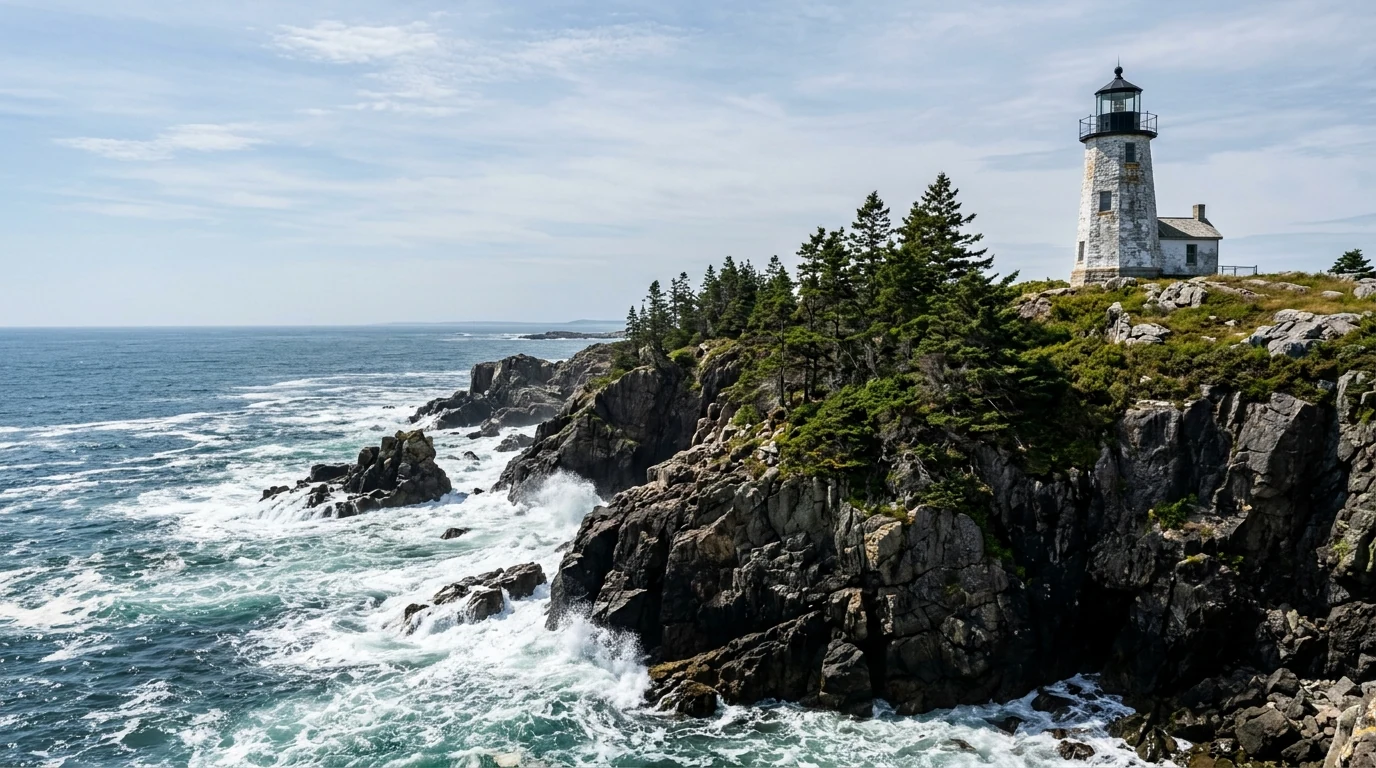
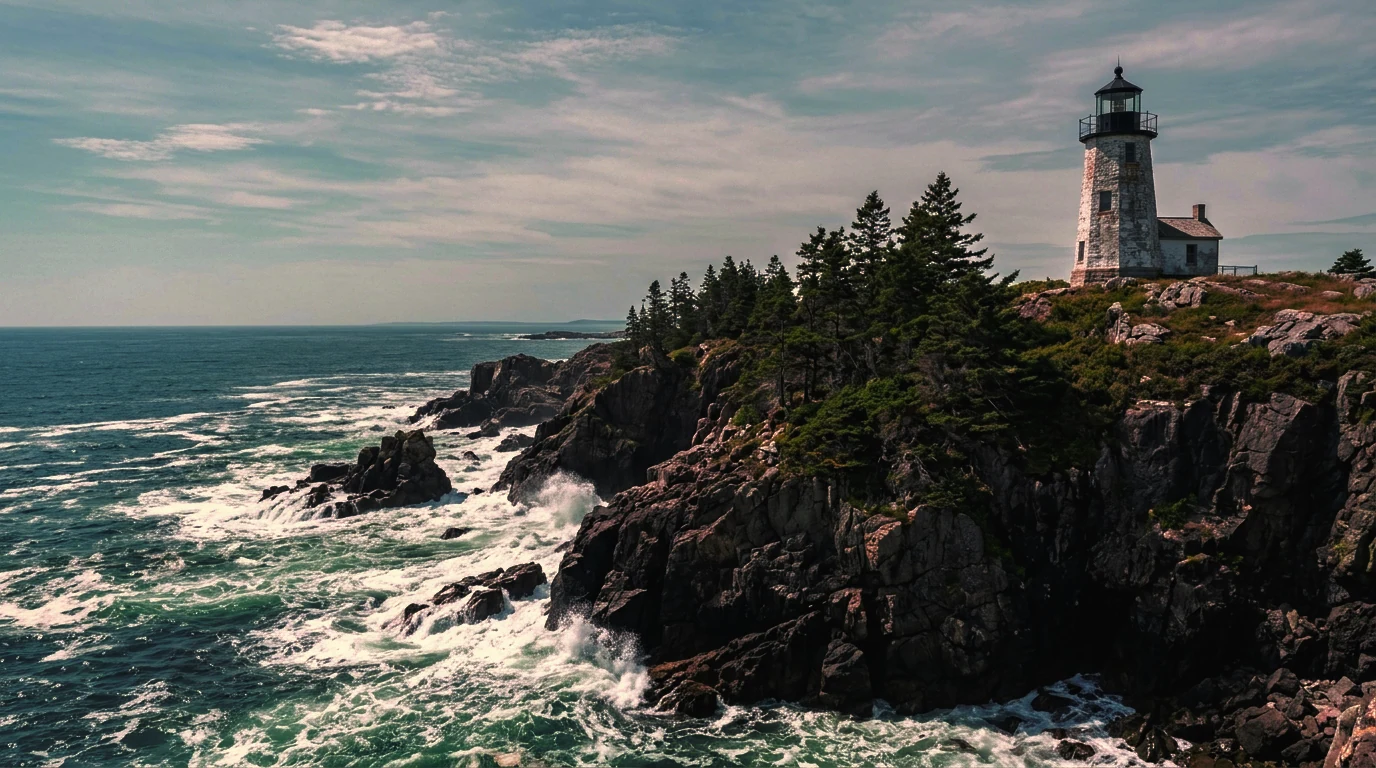
The comparison preview could not load.
Shared Controls
Section titled “Shared Controls”| Control | Range / Options | Default | Notes |
|---|---|---|---|
| Mode | Color Adjustment, LUT File |
Color Adjustment |
Grade directly with sliders or apply an external .cube 3D LUT |
| LUT Resolution | 33³, 65³, 129³ |
33³ |
3D LUT lattice size for grading precision and Save LUT export |
| LUT Strength | 0% – 200% (step 1%) |
100% |
Scales intensity of either sliders or loaded .cube (0% = bypass) |
Light & Color Sliders (Color Adjustment)
Section titled “Light & Color Sliders (Color Adjustment)”| Group | Control | Range | Step | Default | Effect |
|---|---|---|---|---|---|
| Light | Exposure | -3.00 to +3.00 EV |
0.05 |
0 |
Overall scene brightness in photographic stops |
| Light | Contrast | -100% to +100% |
1% |
0 |
Midtone contrast steepness around middle gray |
| Light | Highlights | -100% to +100% |
1% |
0 |
Recovers or lifts bright highlights |
| Light | Shadows | -100% to +100% |
1% |
0 |
Opens up or deepens dark shadow regions |
| Light | Whites | -100% to +100% |
1% |
0 |
Adjusts white-point clipping headroom |
| Light | Blacks | -100% to +100% |
1% |
0 |
Adjusts black-point floor depth |
| Light | Midtones | -100% to +100% |
1% |
0 |
Shifts midtone lift/gamma without crushing endpoints |
| Color | Temperature | -100 to +100 |
1 |
0 |
Cool blue (-) to warm amber (+) white balance |
| Color | Tint | -100 to +100 |
1 |
0 |
Green (-) to magenta (+) color balance |
| Color | Hue Shift | -180° to +180° |
1° |
0 |
Rotates global color wheel hues |
| Color | Vibrance | -100% to +100% |
1% |
0 |
Smart saturation favoring muted tones while protecting saturated skin |
| Color | Saturation | -100% to +100% |
1% |
0 |
Uniform color intensity boost or desaturation |
Auto Grade, Reference Matching & LUT Export
Section titled “Auto Grade, Reference Matching & LUT Export”- Auto Analysis:
- Image mode: Auto analyzes the active image and populates balanced Light & Color sliders.
- Video mode: Auto 1 Frame analyzes the current playhead frame, while Auto Fixed Frames samples up to 15 evenly spaced frames across
5%–95%of the clip so exposure and color balance stay consistent across camera movement.
- Reference Image: Pick any target still image to automatically match tonal distribution and color palette across all 12 sliders (perceptual Oklab quantile matching; requires LUT Strength above
0%). - Save LUT: Exports a standard
.cube3D LUT file (33³,65³, or129³) baking your current Color Adjustment sliders (or loaded.cube+ LUT Strength) for reuse across shots or external editors. - Reset: Clears all sliders back to
0.
RTX Video HDR (Video Only)
Section titled “RTX Video HDR (Video Only)”RTX Video HDR inverse-tone-maps 8-bit SDR video into 10-bit PQ HDR (BT.2020 / SMPTE ST 2084) on NVIDIA RTX GPUs (>= 7.5).
| Control | Range / Options | Default | Notes |
|---|---|---|---|
| HDR Contrast | 0 – 200 (step 1) |
100 |
Expands highlight-to-shadow dynamic separation |
| HDR Saturation | 0 – 200 (step 1) |
100 |
Controls wide-gamut (BT.2020) chroma vibrancy |
| Middle Gray | 10 – 100 (step 1) |
50 |
Anchors midtone brightness before peak specular highlights expand |
| Peak Luminance | 400 – 2000 nits (step 50) |
1000 |
Target mastering brightness ceiling matching your HDR monitor/TV |
| HDR Precision | Packed 10-bit, Packed 10-bit (FP16) |
Packed 10-bit |
Choose FP16 for extra internal dynamic headroom during HDR grading |
ReShade
Section titled “ReShade”The ReShade stage compiles and runs DirectX 12 .fx / .fxh post-processing shaders and .ini presets on both images and videos (>= 16 × 16 px). Image and Video workflows each retain their own independent ReShade configuration.
Preset & Global Controls
Section titled “Preset & Global Controls”| Control | Range / Options | Default | Notes |
|---|---|---|---|
| ReShade Preset (.ini, optional) | File picker (.ini) |
None | Load an existing ReShade preset, or leave blank and pick a Shader Search Folder (.fx / .fxh) directly |
| Shader Search Folder (.fx / .fxh) | Folder picker | Automatic | Point at custom .fx/.fxh shader directories when authoring without an .ini |
| Reload Preset / Save Preset Copy | Action buttons | — | Reload modified shaders from disk, or export tuned order and overrides as .ini |
| Effect Mix | 0% – 100% (step 1%) |
100% |
Blends final ReShade stack output over the stage input |
| Depth Input | Auto, Always Generate AI Depth, Disabled |
Auto |
Uses MoGe-2 AI depth (Auto triggers only when an active technique uses depth) |
| Video Motion & Depth Stabilization | Auto, Optical Flow, Off (Per-Frame Depth) |
Auto |
Uses AMD FidelityFX Optical Flow to stabilize depth & temporal effects across video frames |
Managing Techniques, Order & Dependencies
Section titled “Managing Techniques, Order & Dependencies”Expand Techniques & Settings to inspect loaded effects:
- Search: Filter across effect filenames, technique names, and parameter labels (
Search effects and parameters…). - Effect & Technique Order: Expand any effect card to toggle its master switch, enable individual techniques, and move techniques up/down—shader order strictly determines how bloom, DoF, MXAO, or tone mapping layer together.
- Resource Dependency Helper: When a consumer technique needs a shared texture provided by an earlier producer technique, Visual Enhancer flags the dependency and provides a one-click fix prompt to enable or order the producer.
- Reset Values: Restores modified parameters back to the preset defaults.
Advanced ReShade Options
Section titled “Advanced ReShade Options”| Control | Options / Range | Default | Notes |
|---|---|---|---|
| Preprocessor Definitions | Global & per-effect key/value string | Preset default | Override shader compile macros without editing .fx files on disk |
| Temporal Initialization | Auto, Off, 2, 4, 8, 16 |
Auto |
Warmup frame passes before outputting temporal effects (like temporal AA/AO) |
| Shader Search Folder (.fx / .fxh) | Folder picker | Automatic | Supplemental include/shader paths |
| Texture & LUT Search Folder | Folder picker | Automatic | Supplemental texture/LUT lookup paths referenced by effects |
| Temporal Depth Blend | 0% – 100% (step 1%, Video only) |
75% |
Controls temporal smoothing strength on AI depth when stabilization is enabled |
| Depth Detail | Fast (280), Standard (504), High (756), Maximum (1008) |
Maximum (1008) |
MoGe-2 inference resolution (1008 gives cleanest fine occlusion edges) |
| Effect Precision | Auto, FP16, 8-bit sRGB Compatibility |
Auto |
Switch to 8-bit sRGB Compatibility if an older community shader clips in float buffers |
| HDR Handling | Auto (SDR Preset Adapter), HDR-Aware Preset, SDR Adapter, Reject Unsupported |
Auto (SDR Preset Adapter) |
Adapts SDR .ini presets gracefully when placed after RTX Video HDR or on HDR media |
| Preserve Source Transparency | On / Off switch |
On |
Keeps source alpha intact across compatible Image passes |
| Show Internal Shader Parameters | On / Off switch |
Off |
Reveals hidden shader uniforms marked internal by shader authors |