 Visual Enhancer
Style Transfer
The Style Transfer workspace analyzes the tonal distribution, color palette, highlight roll-off, and fine surface texture between a Content Image and a Style Reference, then renders the transferred look onto your content image or bakes the color grade into an Adobe After Effects .ffx preset.
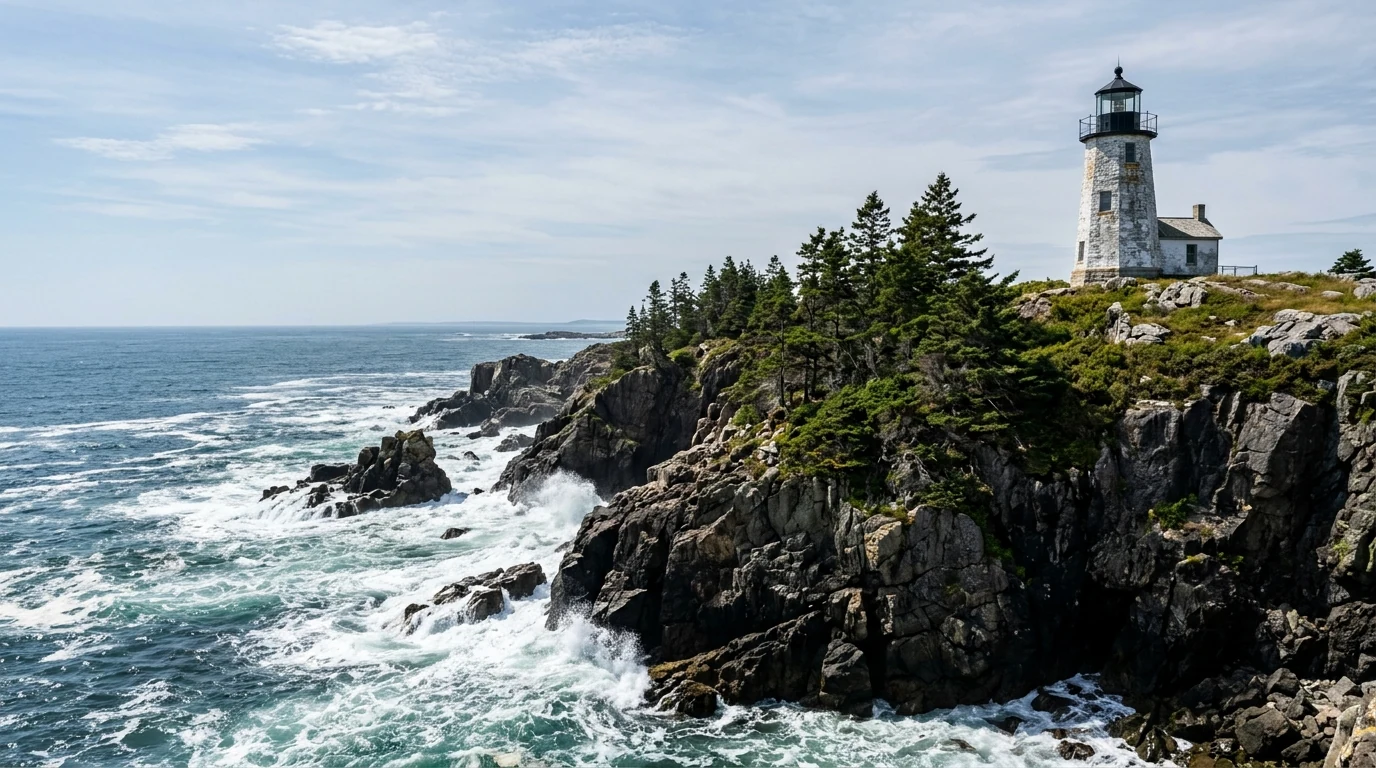
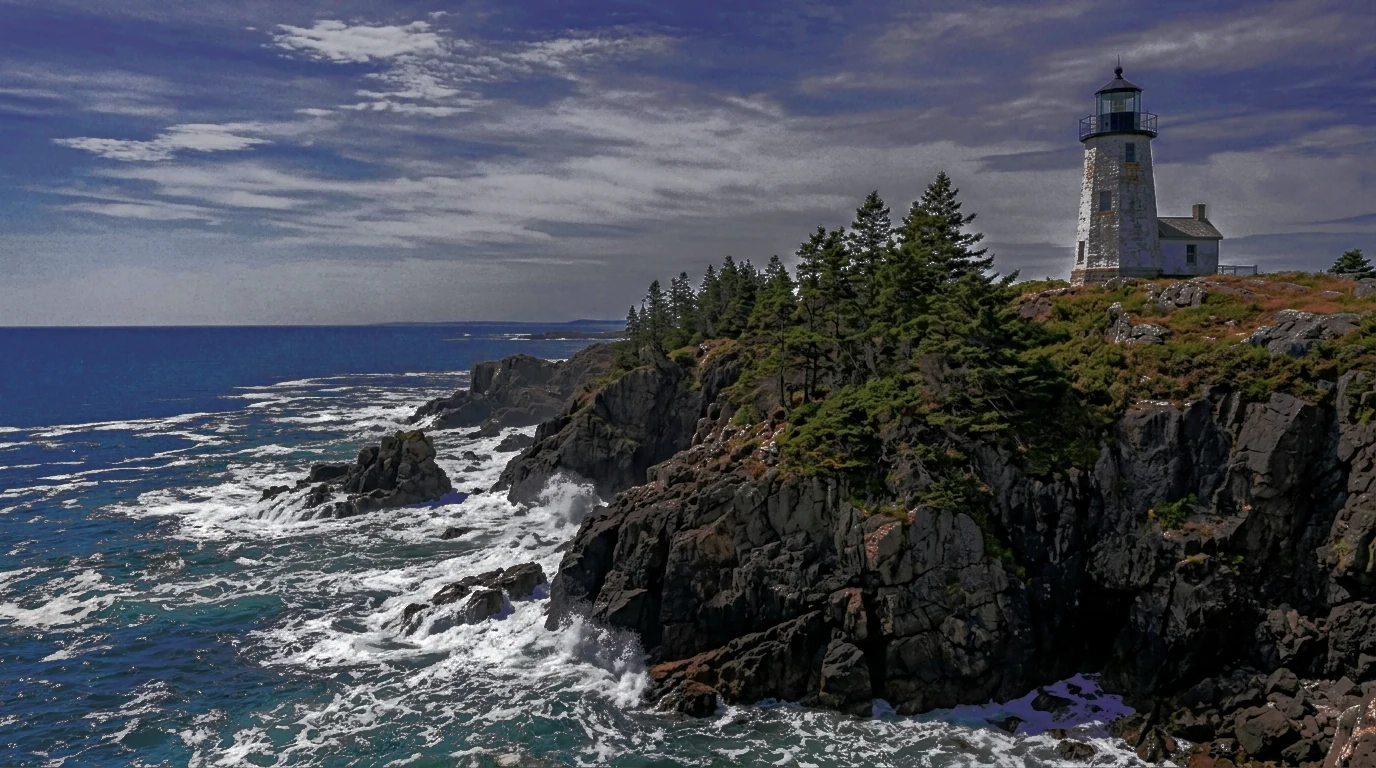
The comparison preview could not load.
Style Reference Analysis
Section titled “Style Reference Analysis”Unlike simple global LUT matching, Style Transfer combines 16-bit sRGB color-grade analysis with optional Post-processing passes (automatic black-bar framing exclusion, registered tonal/highlight protection, and detail/clarity transfer).

Step-by-Step Workflow
Section titled “Step-by-Step Workflow”-
Load Content and Reference images
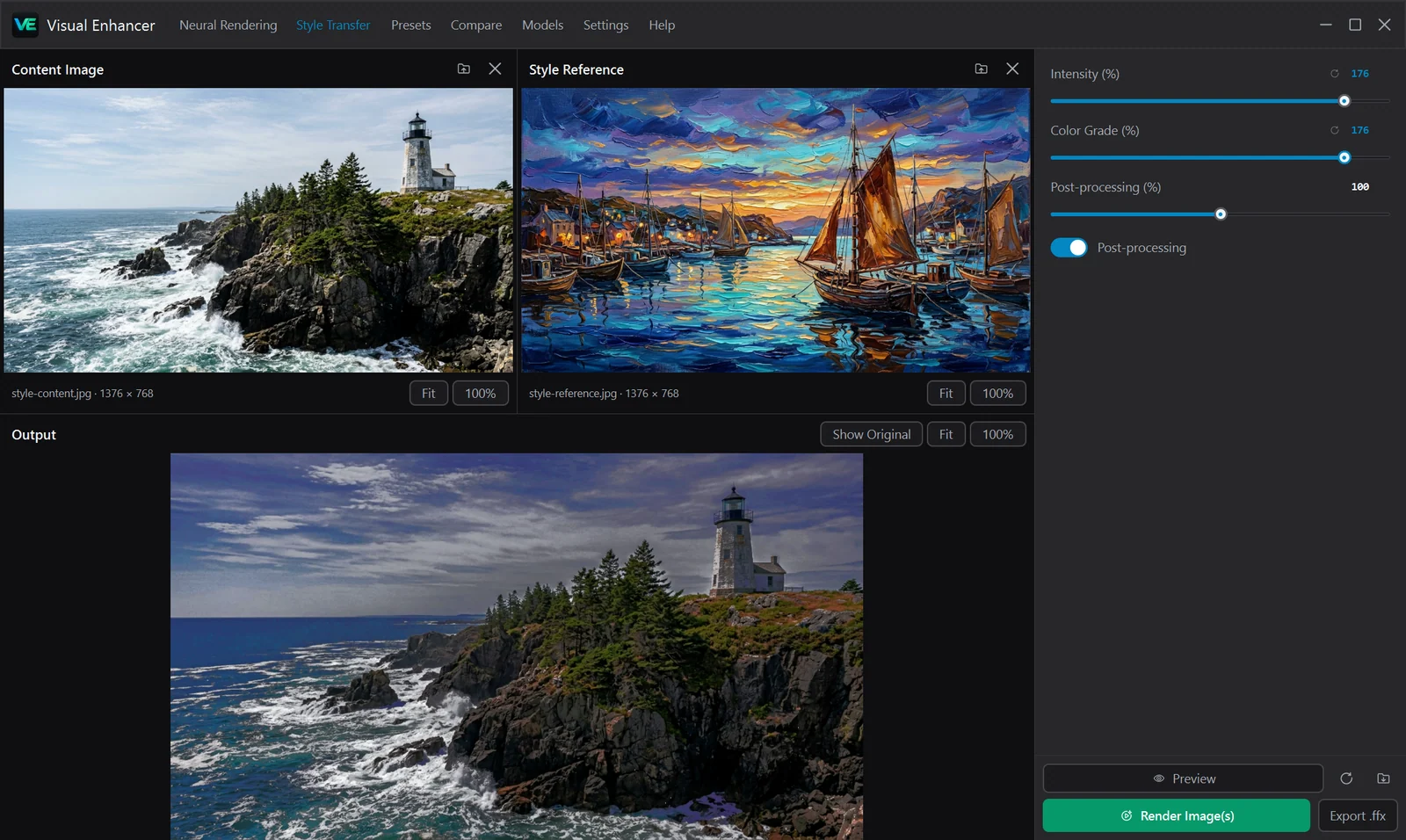
Drop an image onto the Content Image pane (top left) and another onto Style Reference (top right), or click either folder icon to browse. Each input pane has independent Fit, 100%, zoom, and Remove controls.
-
Tune transfer strength sliders
Adjust Intensity (%), Color Grade (%), and Post-processing (%) in the right inspector, or toggle Post-processing off if you only want pure palette & tone transfer.
-
Preview and toggle Original / Output
Click Preview to evaluate the transfer in the bottom viewport. Once rendered, use Show Original / Show Output and Fit / 100% to inspect shadow detail, highlight roll-off, and grain/texture.
-
Export PNG or
.ffx- Click Render Image(s) to save a lossless 16-bit-capable
.pngfile. - Click Export .ffx to save an Adobe After Effects preset embedding an ICC DeviceLink color LUT generated from the active style analysis and sliders.
- Click Render Image(s) to save a lossless 16-bit-capable
Inspector Controls
Section titled “Inspector Controls”| Control | Range | Default | Behavior |
|---|---|---|---|
| Intensity (%) | 0–200% |
100% |
Master blend scaling the overall look (0% passes through the untouched content image) |
| Color Grade (%) | 0–200% |
100% |
Scales the global color and tonal palette transfer from the reference |
| Post-processing (%) | 0–200% |
100% |
Scales registered highlight/local-tone refinement and surface detail/texture matching |
| Post-processing | Switch (On/Off) |
On |
Enables or bypasses spatial post-processing passes while keeping pure color grading active |
Exporting .ffx for Adobe After Effects
Section titled “Exporting .ffx for Adobe After Effects”Clicking Export .ffx bakes the current Color Grade and tonal curve (scaled by Intensity and Color Grade) into a standard Adobe After Effects preset file (Apply Color LUT / ICC DeviceLink profile). Because .ffx captures the color transformation rather than spatial filters, you can apply your matched look non-destructively across full video timelines inside After Effects.