 Visual Enhancer
DLSS Neural Rendering
DLSS Neural Rendering enhances micro-contrast, local tonal depth, edge crispness, and structural clarity at native resolution using NVIDIA NGX neural rendering.
- Hardware: NVIDIA RTX GPU (
compute capability >= 7.5, Turing RTX 20 series or newer) - Supported Resolution:
64 × 64 pxminimum,16,384 × 16,384 pxmaximum per side
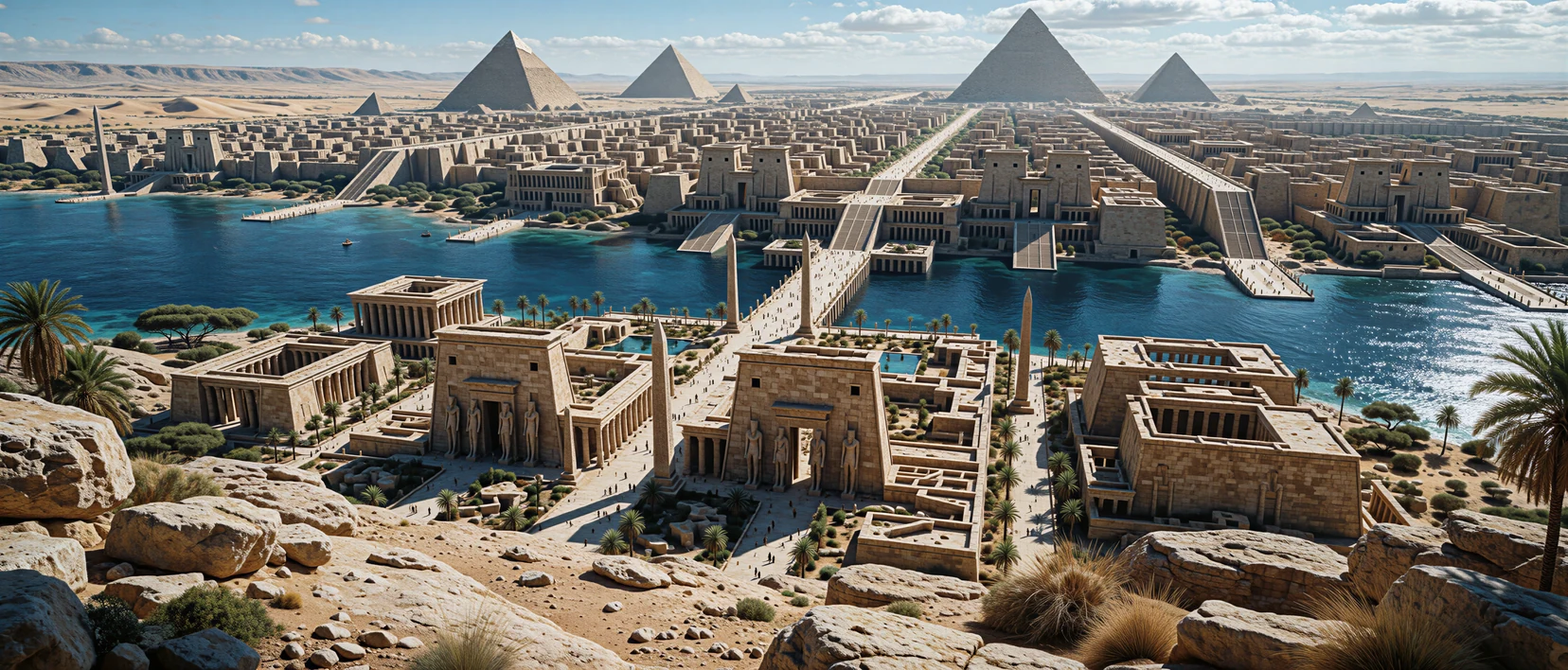
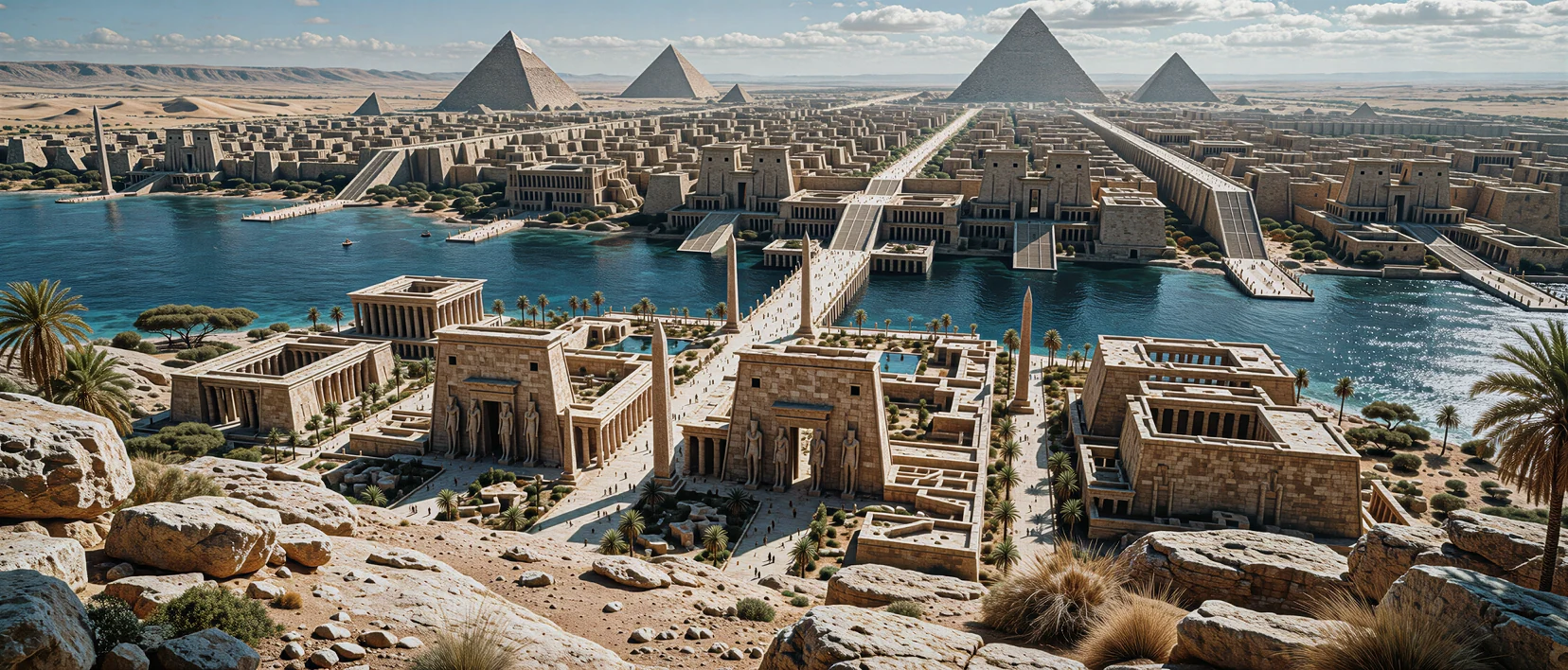
The comparison preview could not load.
Parameters
Section titled “Parameters”| Control | Range / Options | Default | What It Controls |
|---|---|---|---|
| NR Style | Style 0, Style 1, Style 2 |
Style 0 |
Selects the neural rendering model flavor (Style 0–Style 2) |
| NR Intensity | 0.00 – 2.00 (step 0.05) |
1.00 |
0.00 bypasses; 0.00–1.00 native blend; 1.00–2.00 residual boost |
| NR Passes | 1 – 4 (step 1) |
1 |
Runs sequential refinement passes (1–2 natural, 3–4 bold stylization) |
| Local Tone Strength | 0.00 – 1.00 (step 0.05) |
1.00 |
Sculpting of local contrast across highlights, midtones, and shadows |
| Local Structure Strength | 0.00 – 1.00 (step 0.05) |
1.00 |
Fine surface texture, crispness, and micro-detail enhancement |
| Skin Structure Strength | 0.00 – 1.00 (step 0.05) |
1.00 |
Structure applied to detected skin regions (enabled when Automatic Mask is On without a custom mask) |
| Automatic Mask | On / Off switch |
Off |
Generates an automatic internal region mask when no custom mask is loaded |
| Control Mask | Image picker (Load Control Mask… / Clear Mask) | None | Custom RGB mask overriding Automatic Mask and Skin Structure Strength |
| Optical Flow Quality | High, Medium, Low (Video only) |
High |
Controls temporal motion-grid precision (High = finest, Low = fastest) |
Understanding NR Intensity and Multi-Pass Refinement
Section titled “Understanding NR Intensity and Multi-Pass Refinement”0.00: Acts as a zero-overhead pass-through.0.01–1.00: Runs within the model’s standard calibrated dynamic range and tone envelope.1.01–2.00: Applies CUDA residual extrapolation beyond native1.00output, amplifying edge punch and surface relief—effective for stylized artwork, game captures, and moody architecture, though extreme values on noisy images can emphasize artifacts.NR Passes(1–4): Feeds each pass’s output into the next pass. Increasing passes compounds structure and contrast without extra UI sliders, so keep NR Intensity moderate (0.55–0.85) when using2or more passes.
Automatic Mask vs. Custom RGB Control Mask
Section titled “Automatic Mask vs. Custom RGB Control Mask”When Automatic Mask is enabled, Skin Structure Strength helps keep portraits natural by dialing back harsh surface micro-contrast on detected skin (0.15–0.40) while leaving clothing, hair, architecture, and scenery at higher Local Structure Strength.
When you need surgical per-region control, paint an image mask in any editor and click Load Control Mask… (supports PNG, JPEG, WebP, TIFF, BMP, JPEG XL, HEIF, and camera RAW). Visual Enhancer maps each RGB channel independently:
| Mask Channel | Controlled Parameter | 0 (Black Channel) |
255 (Full Channel) |
|---|---|---|---|
Red (R) |
NR Intensity | 0.00 (unmodified original) |
Full configured NR Intensity |
Green (G) |
Local Tone Strength | 0.00 local tone |
Full configured Local Tone Strength |
Blue (B) |
Local Structure Strength | 0.00 local structure |
Full configured Local Structure Strength |
- Monochrome masks: Grayscale masks drive
R,G, andBequally, acting as a standard overall blend mask. - Any dimensions accepted: Masks are resized cleanly to match the active image or video resolution via nearest-neighbor sampling—paint soft gradients in
PNGfor smooth feathered transitions. - Mask overrides: Loading a custom mask supersedes Automatic Mask and greys out Skin Structure Strength until you click Clear Mask.
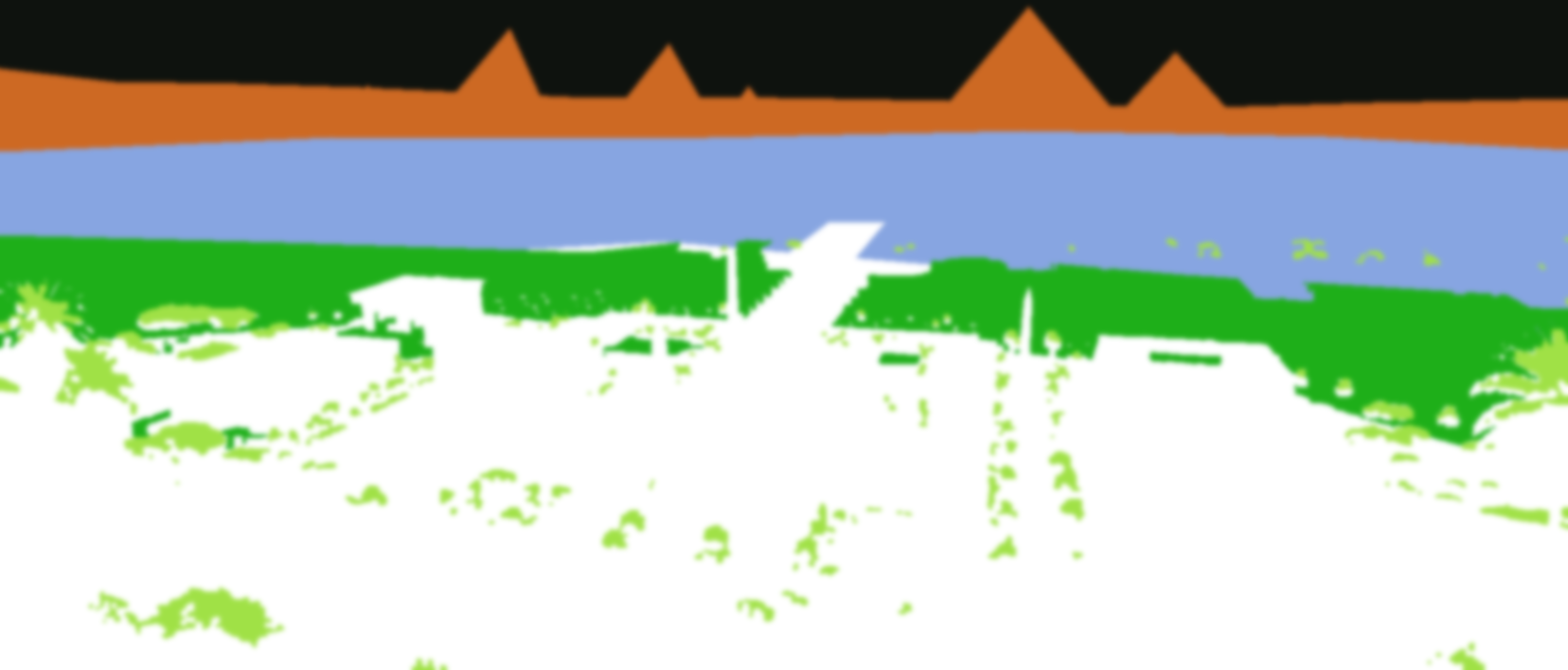
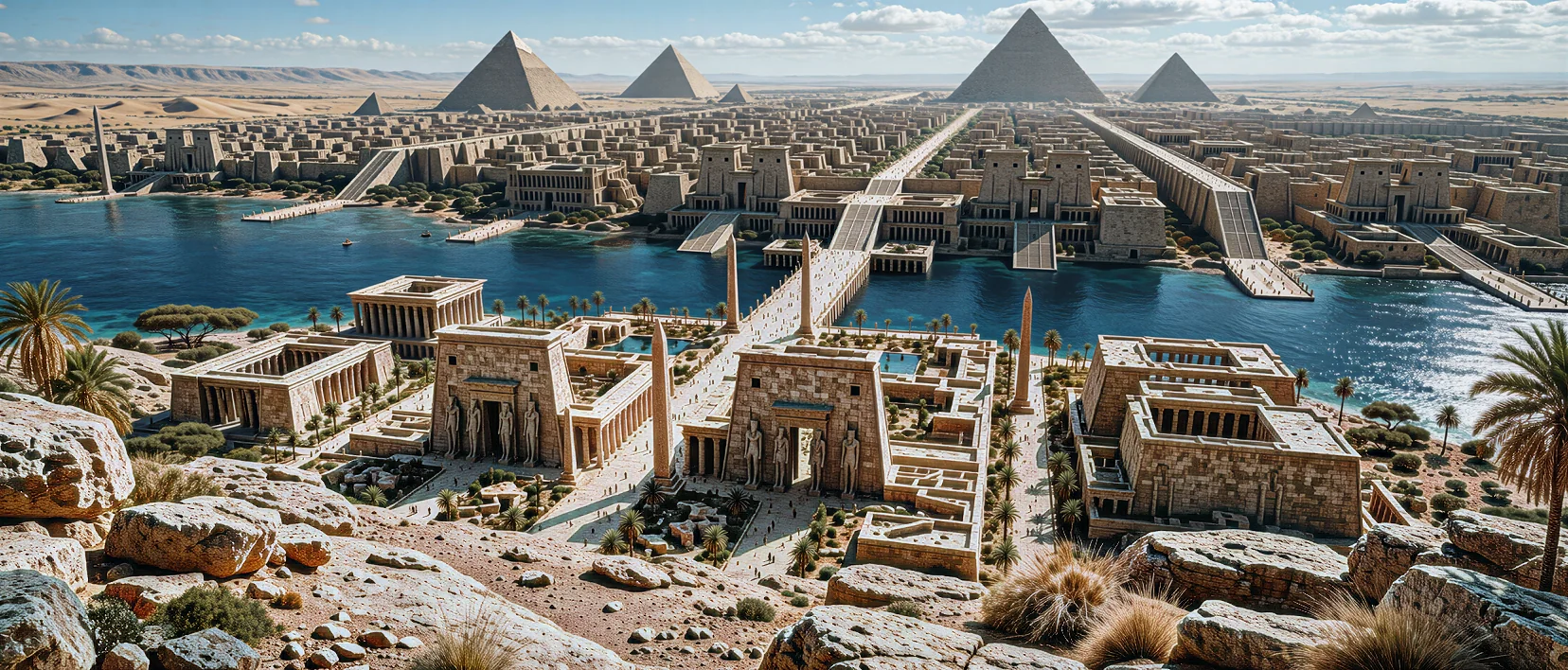
The comparison preview could not load.
Video Motion Stability (Optical Flow Quality)
Section titled “Video Motion Stability (Optical Flow Quality)”High(default): Runs at the finest optical-flow grid resolution for minimal shimmer across pans, foliage, and fine fabric.Medium: Coarsens the motion-vector grid to raise throughput while holding stable pan tracking.Low: Fastest video mode; useful for quick iteration before switching back toHighfor final renders.
Both videos play silently in a synchronized loop. Drag or use the arrow keys to compare. Press Space to play or pause, or Escape to pause.
Why this stack works on dark, compressed 480p footage:
- Denoising first (
ClearMagnetar,Noise Adaptation: On): Strips low-light blocking and shadow noise before2-pass residual enhancement (NR Intensity: 1.35) so riveted ironwork, track ballast, and rolling steam crisp up without magnifying dark-sky grain. - Temporal lock (
Optical Flow Quality: High): Anchors motion vectors across billowing steam and glowing carriage windows soLocal Tone(0.85) andLocal Structure(0.90) remain flicker-free in motion. - Balanced post-grade & finish (
Coloring+AMD CAS): Pulling Highlights (-32%) and lifting Shadows (+28%) alongside Exposure (+0.12 EV), Contrast (+10%), Blacks (+6%), Temperature (-8), Vibrance (+24%), and Saturation (+6%) reins in headlamp/window blowouts before a light38%AMD CAS sharpening pass. For clean native1080p/4Kfootage, dial NR Intensity back to0.60–0.85at1pass.
Recommended Recipes
Section titled “Recommended Recipes”| Use Case | Style | NR Intensity | Passes | Local Tone | Local Structure | Skin Structure |
|---|---|---|---|---|---|---|
| Subtle Filmic Polish | Style 0 |
0.45 – 0.65 |
1 |
0.70 |
0.55 |
0.25 (Automatic Mask: On) |
| Crisp Landscape / Architecture | Style 0 or Style 1 |
0.90 – 1.15 |
1 – 2 |
0.85 – 1.00 |
0.90 – 1.00 |
— (Automatic Mask: Off) |
| High-Contrast Stylized Boost | Style 0 or Style 1 |
1.25 – 1.55 |
2 – 3 |
0.85 – 1.00 |
0.90 – 1.00 |
0.35 (or RGB mask) |
| Clean Video Restoration | Style 0 |
0.60 – 0.85 |
1 |
0.80 |
0.75 |
0.30 (Optical Flow: High) |
The comparison preview could not load.